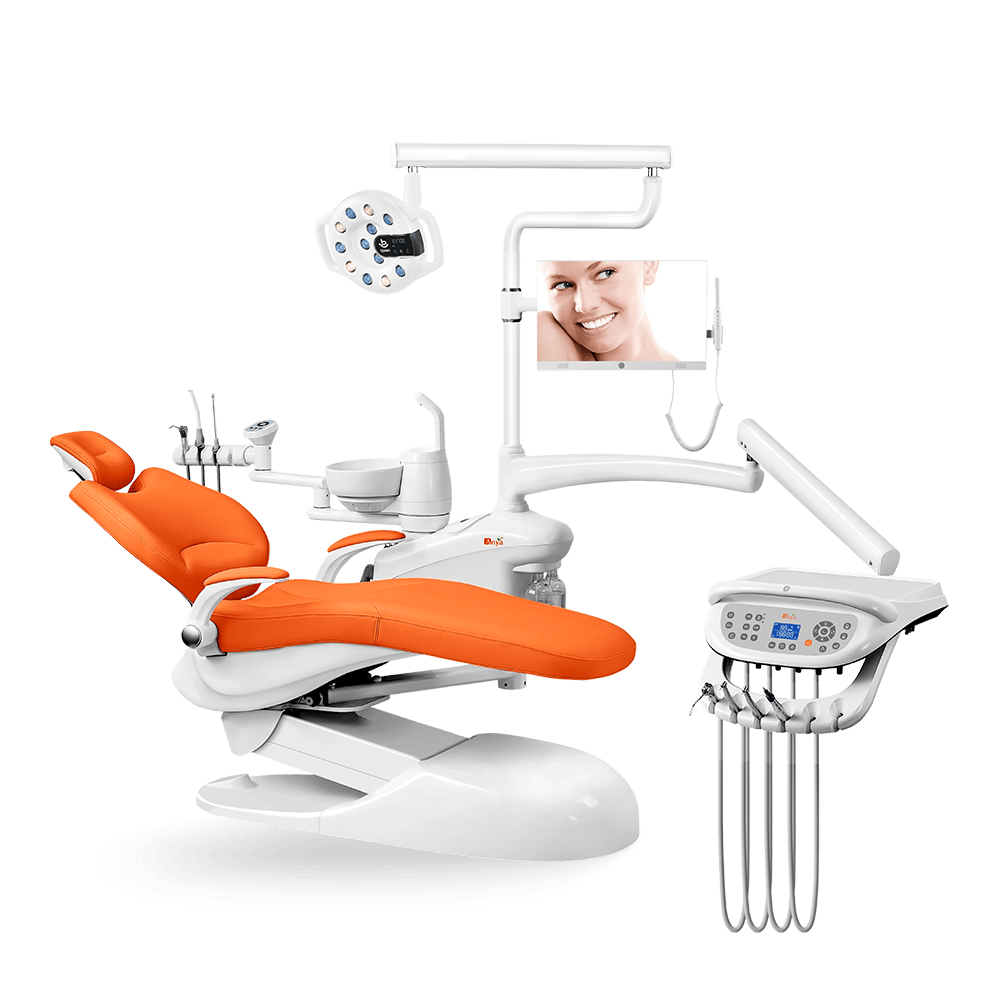
Digital integration around a dental chair should be evaluated as a system of connections, workflow, responsibility, and support. A chair may work near intraoral cameras, imaging systems, sensors, practice software, lights, suction, and other devices, but proximity alone does not guarantee compatibility.
This guide helps clinics, dealers, and importers prepare technical questions before selecting a configuration. Confirm model-specific ports, software requirements, electrical conditions, data responsibility, and local installation requirements with the relevant suppliers.
Define what should be integrated
| Integration area | What to specify |
|---|---|
| Imaging | Intraoral camera, sensors, radiography equipment, display, capture workflow, and operator access. |
| Chair controls | Movement, light, foot control, assistant controls, and any supported presets. |
| Data and software | Connection method, software responsibility, file handling, user access, and support boundaries. |
| Utilities | Power, air, water, suction, drainage, network, cable routing, and service clearance. |
| Maintenance | Replacement parts, manuals, firmware or software updates, warranty, and escalation. |
Ask for compatibility evidence
Request the exact model, supported accessories, connection drawings, installation limits, and test conditions. Do not assume that a USB port, network connection, or mounting point makes every device compatible. Ask which supplier owns each part of the installation and who supports the combined workflow.
Plan the room before ordering
Digital integration can affect equipment position, cable paths, monitor visibility, cleaning access, patient transfer, and the space available for technicians. Coordinate the chair, delivery system, imaging equipment, electrical plan, network plan, and service route before the room is finished.
Questions for a project RFQ
- Which accessories and software systems are supported for the quoted model?
- What ports, cables, mounting points, and electrical conditions are required?
- Who installs each component and who handles combined-system support?
- What manuals, drawings, training, warranty, and spare parts are included?
- What happens if a third-party device or software update changes the workflow?
Complete the review with the quality control checklist, the intraoral camera integration guide, and the request for quotation.