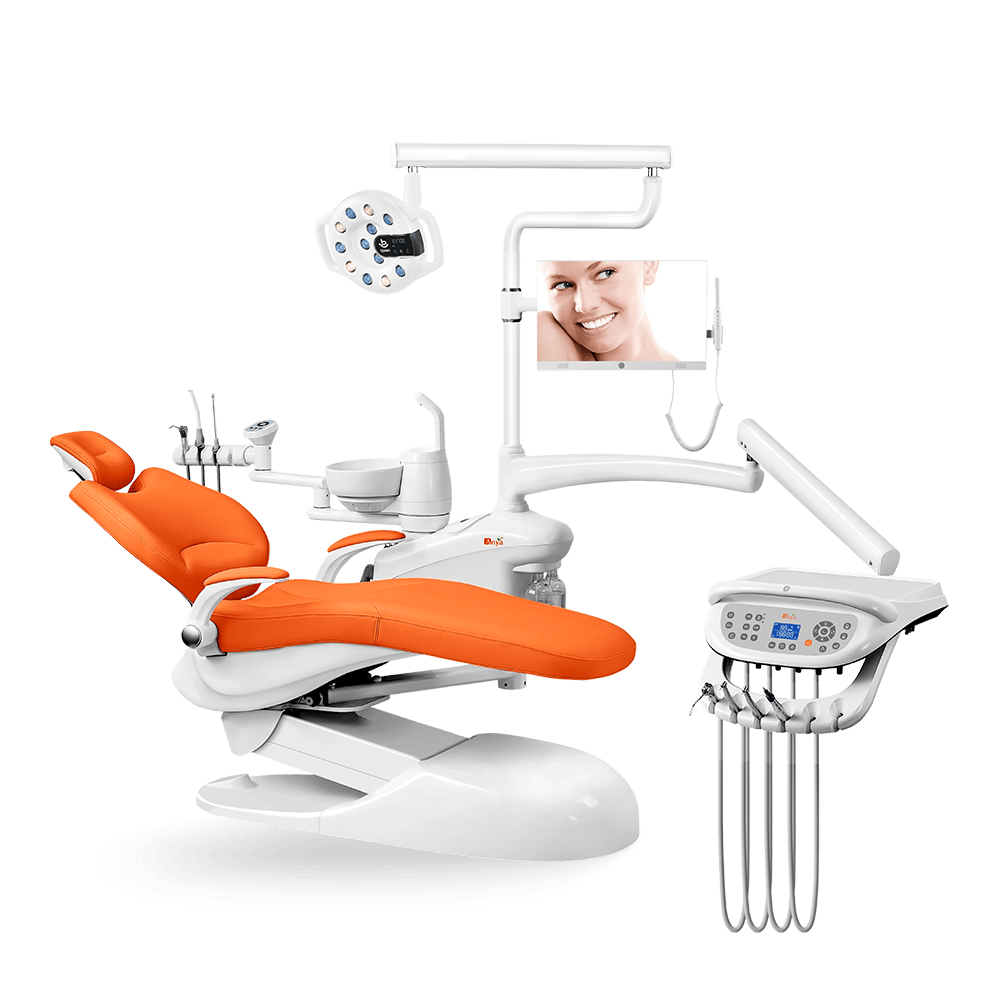
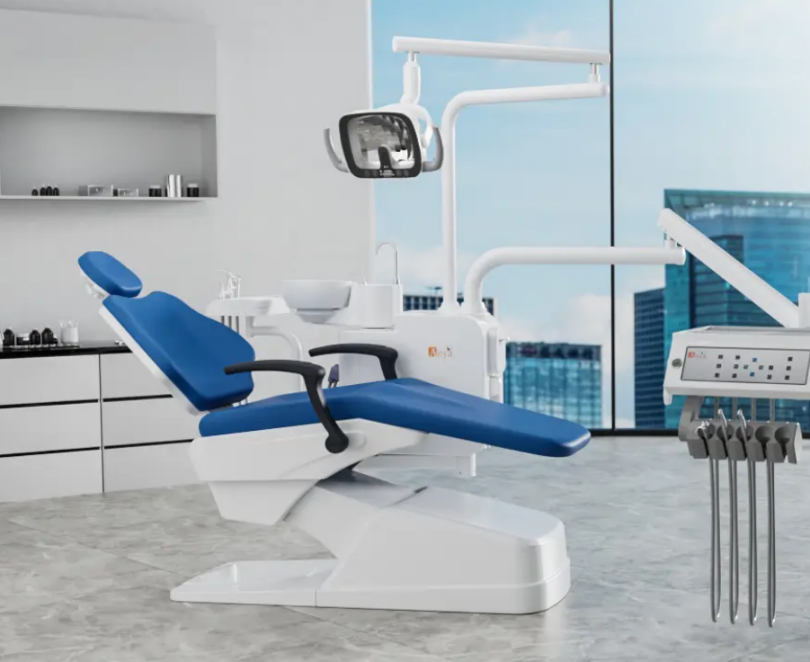
Dental chair problems can interrupt a clinic day, but not every symptom should be treated as a do-it-yourself repair. Clinic teams can make safe observations, record useful details, and stop use when patient safety may be affected. For adjustments, electrical work, hydraulic systems, waterlines, suction, and replacement parts, follow the exact model manual and qualified service instructions.
Use the hydraulic system guide, dental suction unit guide, spare parts availability guide, technical support checklist, and warranty terms guide.
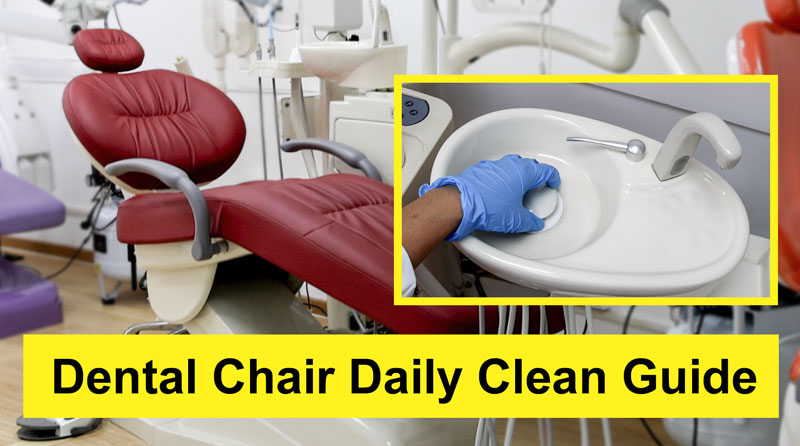
When to Stop Using the Chair
Stop using the chair and arrange service when there is uncontrolled movement, visible fluid leakage, a burning smell, exposed wiring, repeated power loss, unusual heat, damaged patient-contact surfaces, or any problem that could affect infection-control procedures. Do not open covers, reset internal electronics, or adjust pressure systems unless the manual and a qualified technician instruct you to do so.
Five Common Problems and Safe First Checks
| Symptom | Safe Observation | Escalation Point |
|---|---|---|
| Chair does not move | Check power status, visible obstruction, control selection, and whether the issue affects one movement or all movements | Repeated failure, abnormal noise, drifting, or uncontrolled movement |
| Control does not respond | Note whether the foot control, keypad, display, or emergency stop is involved | Power cycling does not resolve the issue or wiring looks damaged |
| Suction is weak | Check external filters, visible blockages, collection tank status, and whether other rooms are affected | Persistent low suction, leakage, odor, or central-system concern |
| Water or air is inconsistent | Record whether the issue affects syringe, handpiece, cup filler, or all water and air functions | Leakage, contamination concern, compressor issue, or waterline uncertainty |
| Surface is damaged | Check upholstery, seams, armrests, tray surfaces, and high-contact areas | Torn, porous, loose, or uncleanable surfaces need repair or replacement |
Prepare a Useful Service Request
- Record the chair model, serial or order reference, installation date, and room number.
- Describe the symptom, when it started, which control was used, and whether the chair was occupied.
- Take photos or short videos of visible symptoms, warning lights, leaks, or damaged surfaces.
- List any recent maintenance, cleaning product changes, relocation, or utility work.
- Send the manual, warranty record, and previous service notes when requesting support.
Preventive Maintenance Planning
Preventive maintenance should follow the model manual. Typical planning areas include movement inspection, external cleaning, upholstery condition, suction filters, waterline guidance, air and water pressure checks, compressor care, drainage, and spare-parts planning. The clinic should assign responsibility and keep dated service records.
For model-specific service manuals, dealer training, parts records, and handover documents, use the dental chair service manual and training guide. This repair article covers safe first checks and maintenance escalation; it does not replace the model-specific manual or qualified service work.
For parts planning, compare the dental chair unit category with the clinic’s installed models and confirm which consumables, hoses, valves, filters, upholstery items, control parts, and accessories are realistic to stock locally.
If repeated failures, unavailable parts, poor documentation, or safety concerns make replacement more likely than repair, compare the best dental chair guide and use the dental chair RFQ template to compare options and quote scope.
Repair or Replace?
Repair may be reasonable when the chair is otherwise serviceable, parts are available, and the issue is clearly identified. Replacement may be worth reviewing when repeated failures, unavailable parts, poor documentation, unsafe surfaces, or frequent downtime affect clinic workflow. Use service history and total cost, not a single symptom, to make the decision.
If you need help identifying model-specific service documents or replacement options, contact Anya Medical through the request quote page with photos, model details, and the clinic’s destination market.